Building Itineraries
Last Updated:
Super Sofa Feature
Event planning tools (weather, budgets, and attachments) require a Super Sofa subscription.
Itineraries let you plan your event day by day with timed activities, locations, and all the details you need.
Adding Itinerary Items
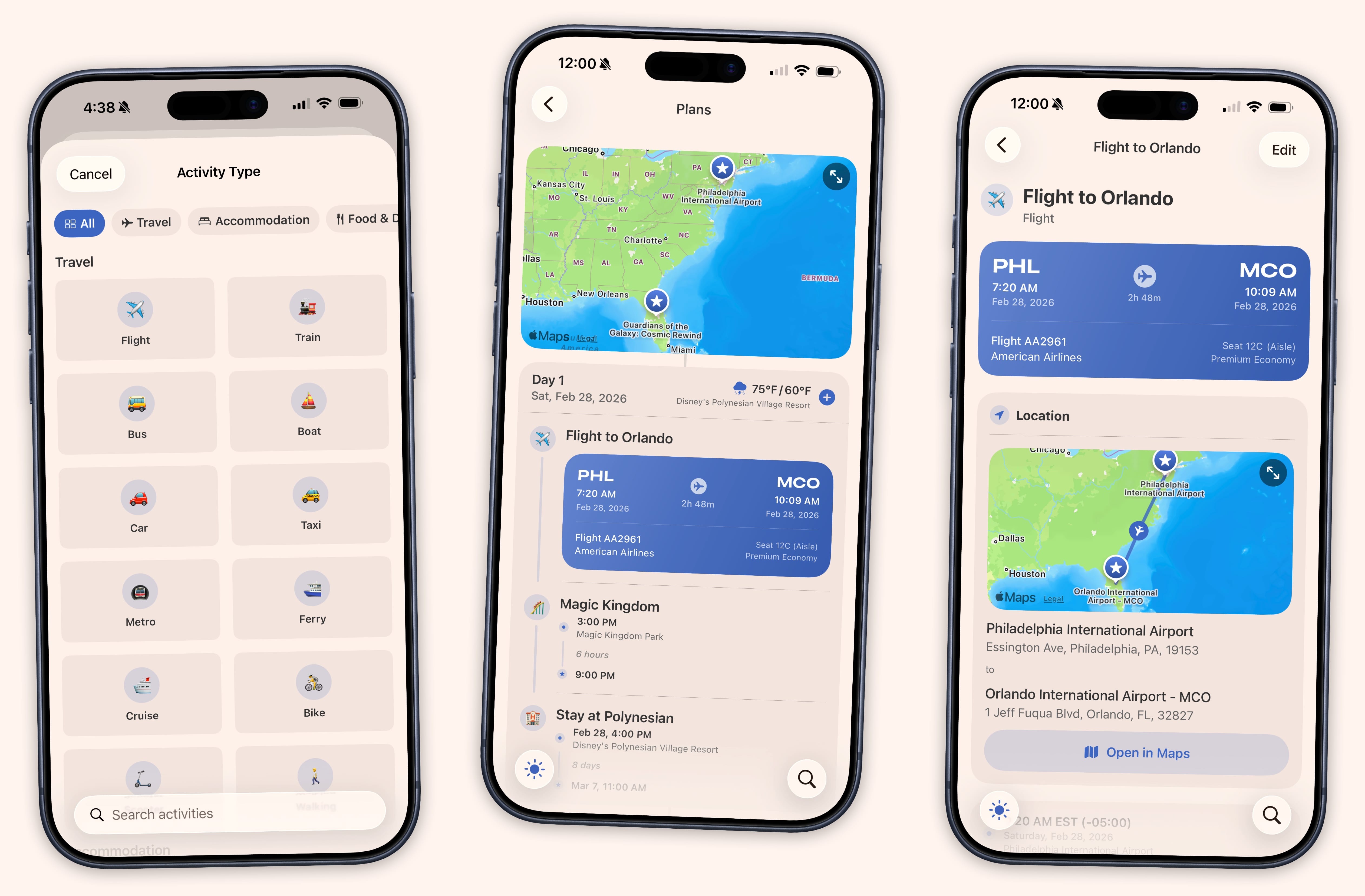
Within an event, tap the + button to add itinerary items. Each item can be one of these types:
- Flight — Includes airline, flight number, and gate fields
- Activity — General activities like sightseeing or a show
- Accommodation — Hotels, rentals, or anywhere you’re staying
- Dining — Restaurants and meals
- Transportation — Car rentals, trains, rideshares
- Other — Anything else
Item Details
Each itinerary item can include:
- Title and time range
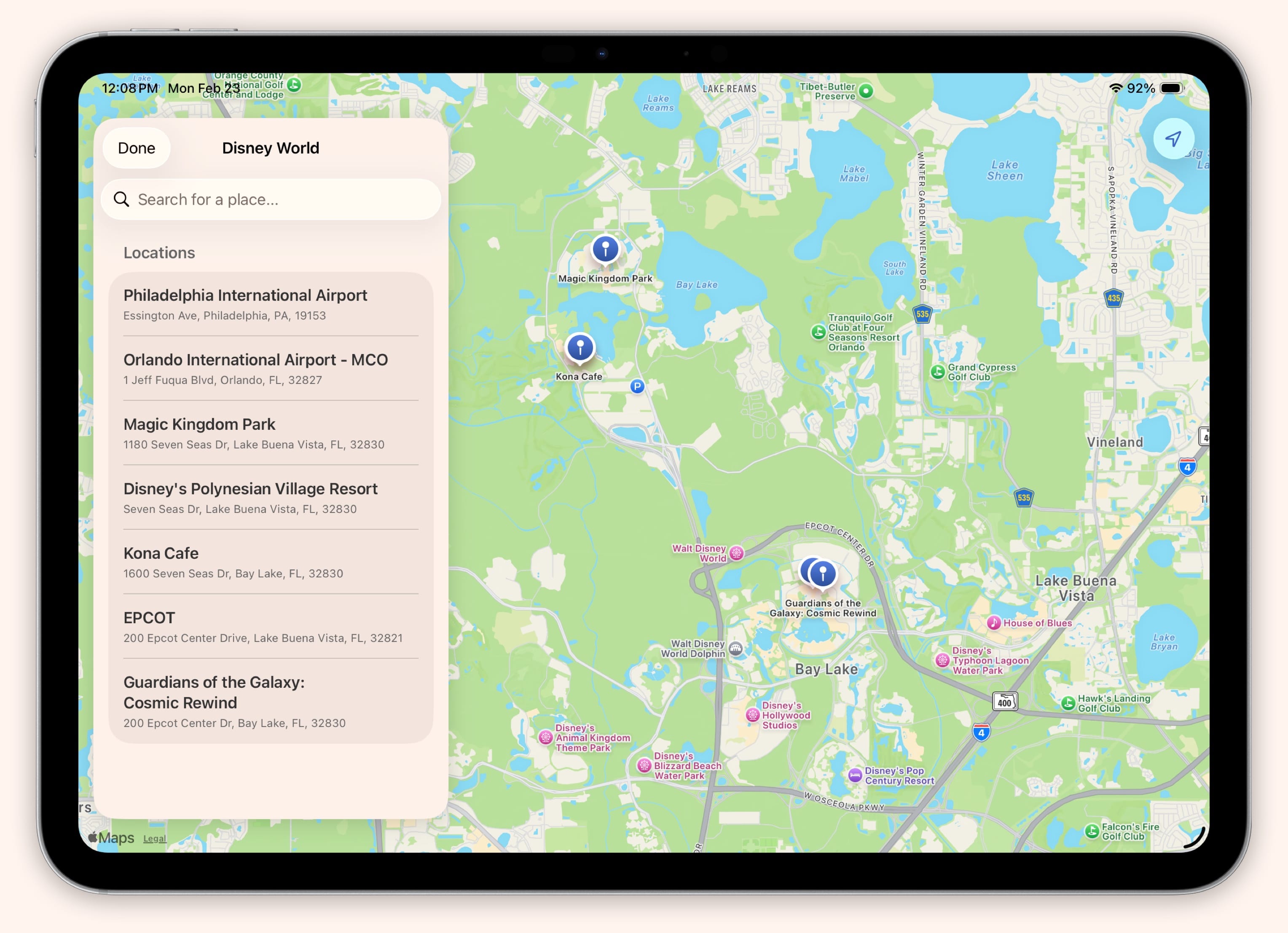
- Location (appears on the map view)
- Notes
- Confirmation numbers
- Contact information
Items without a specific time go into an “Anytime” section for that day.
Multi-Day Events
For events spanning multiple days, your itinerary is organized by date. Items that span multiple days show continuation indicators so you can see at a glance what carries over.
Map View
Tap the map icon to see all your itinerary locations plotted on a map. This is a great way to visualize your plans and check distances between activities.
Weather
Sofa automatically fetches weather forecasts for your itinerary dates and locations, so you can plan accordingly. Weather updates automatically as your event approaches.