Creating Notes
Last Updated:
Notes in the Planner are a quick way to capture ideas, recommendations, or anything else you want to remember. They’re low-pressure — no dates or deadlines required.
How to Create a Note
- Open the Planner tab
- Tap the + button
- Select “Note”
- Write your note
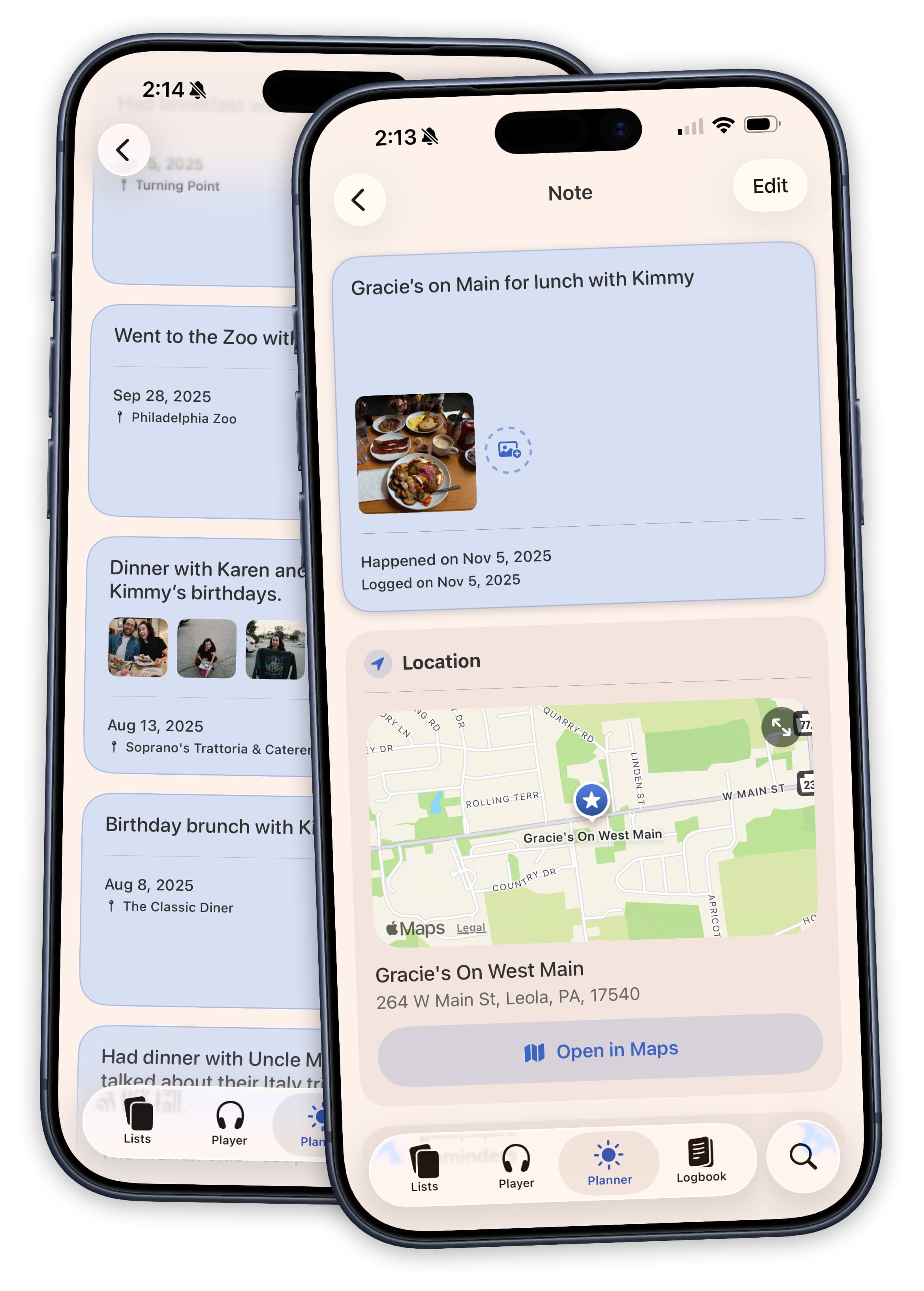
Adding Details
Notes can optionally include:
- Date — Assign a date if you want the note to appear in the Today or Upcoming views
- Location — Add a place for context
- Attachments — Attach files, photos, or documents
Notes without a date live in the Someday view, making them a great holding area for ideas you’ll come back to later.
Use Cases
- Jot down a movie recommendation from a friend
- Save a restaurant suggestion for an upcoming trip
- Keep a running list of gift ideas
- Note thoughts about a book you just finished