Five Ways to Track Your Progress
Last Updated:
Super Sofa Feature
Progress Tracking requires a Super Sofa subscription.
Not everything is a TV show with episodes to check off. For books, games, audiobooks, and other media, Sofa offers five flexible tracking modes so you can track your progress in whichever way feels most natural.
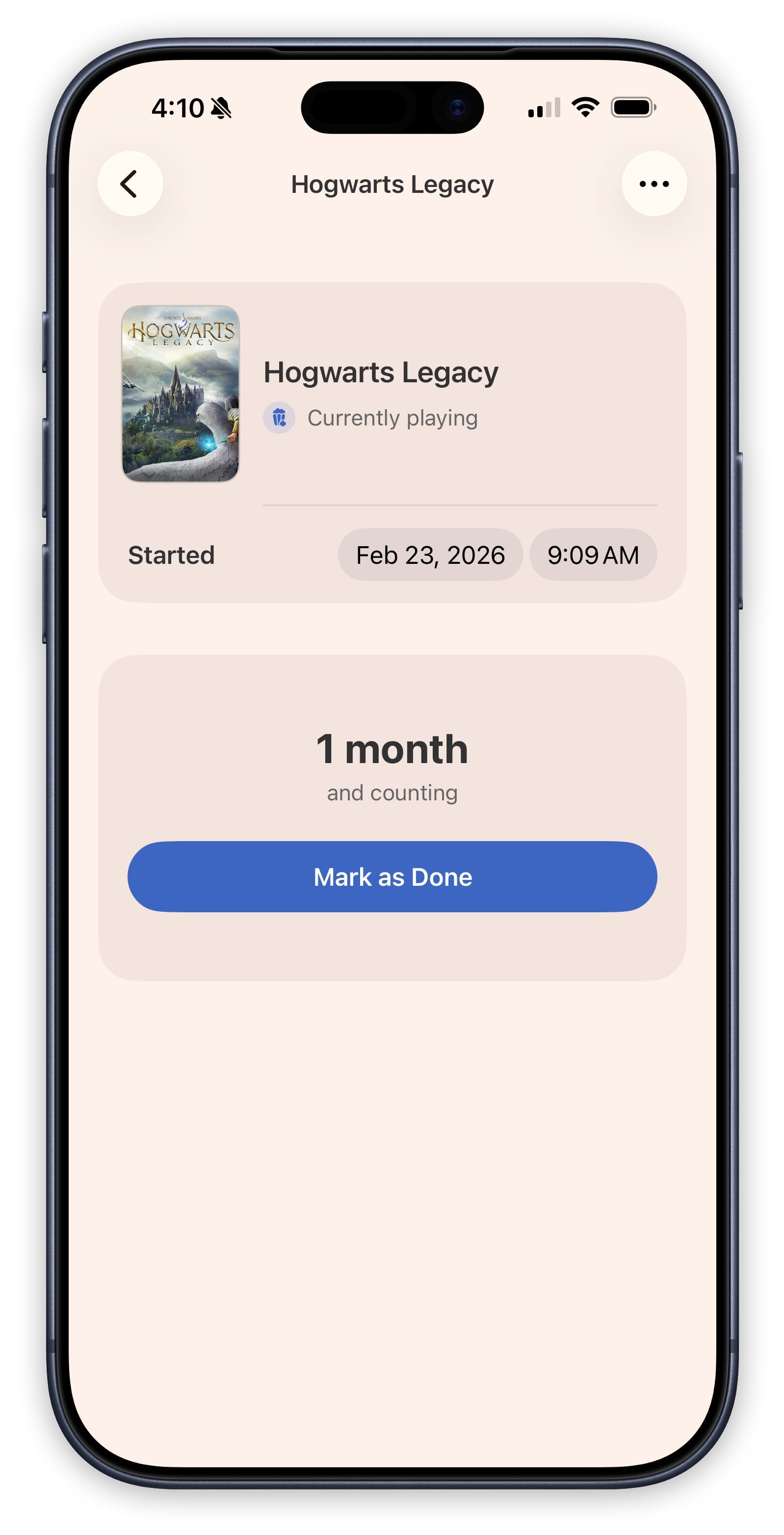
Just Enjoying
The simplest mode — zero overhead. Tap to start, tap when you’re done. There are no counters or logs to maintain. This is great for items where you just want to remember that you’re currently enjoying something.
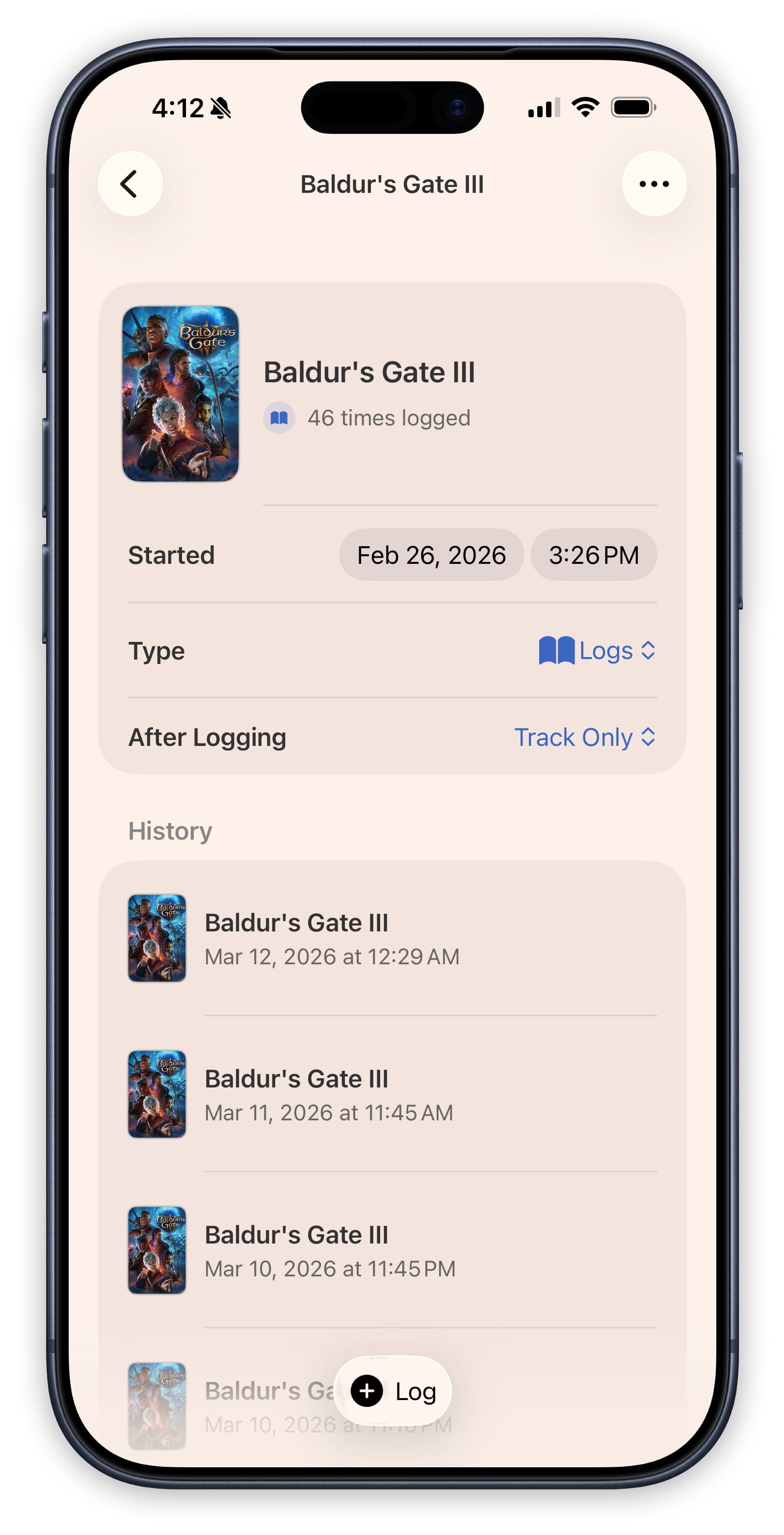
Quick Log
Each tap records a timestamped entry in your logbook. This is perfect for activities where you want to track how often you engage without worrying about specific progress. Great for things like rewatching a favorite show or revisiting a music album.
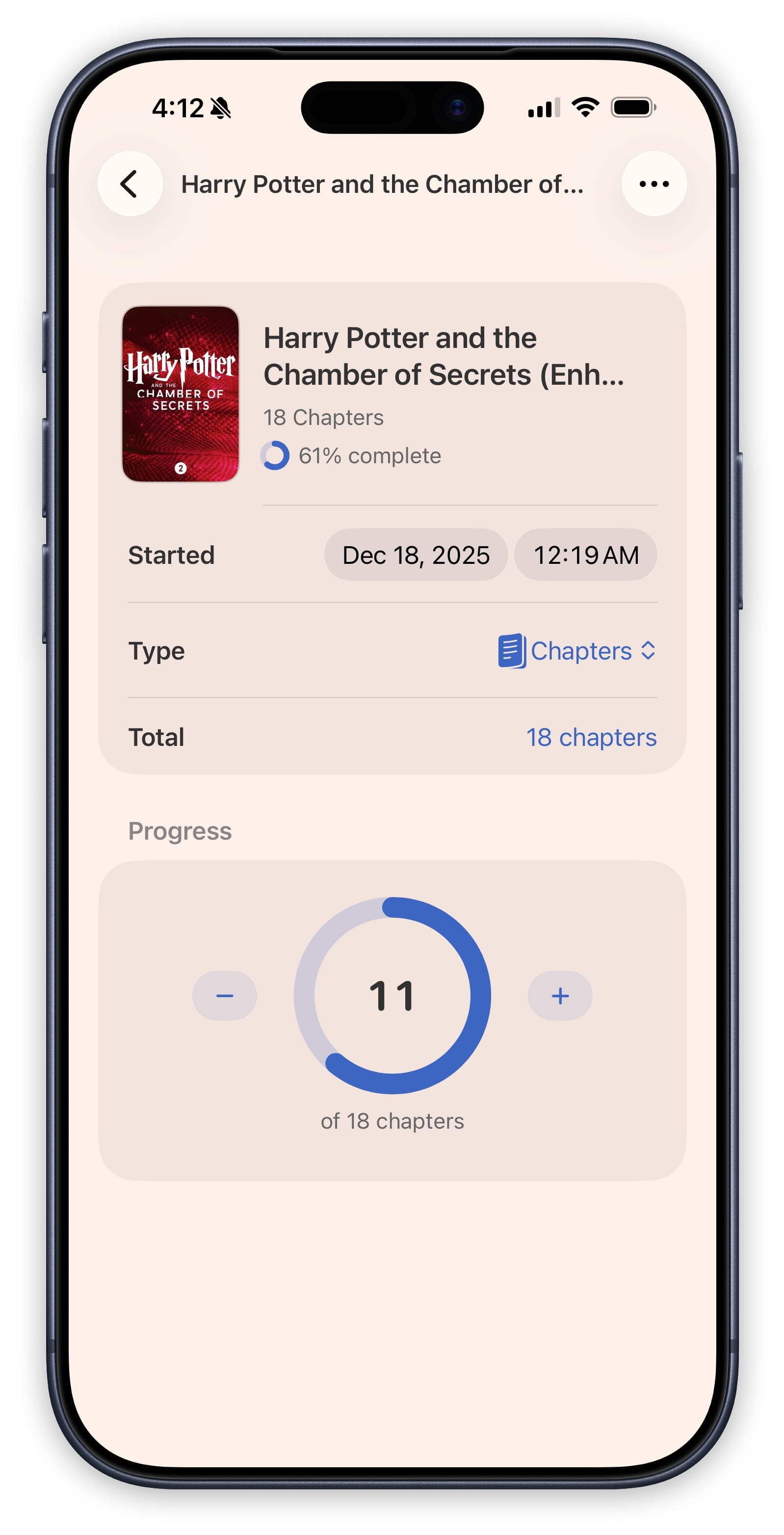
Simple Counter
Set a target number and increment your way there. A progress ring fills in as you go. This works well for books (track by page number), audiobooks (track by chapter), or anything with a numeric goal.
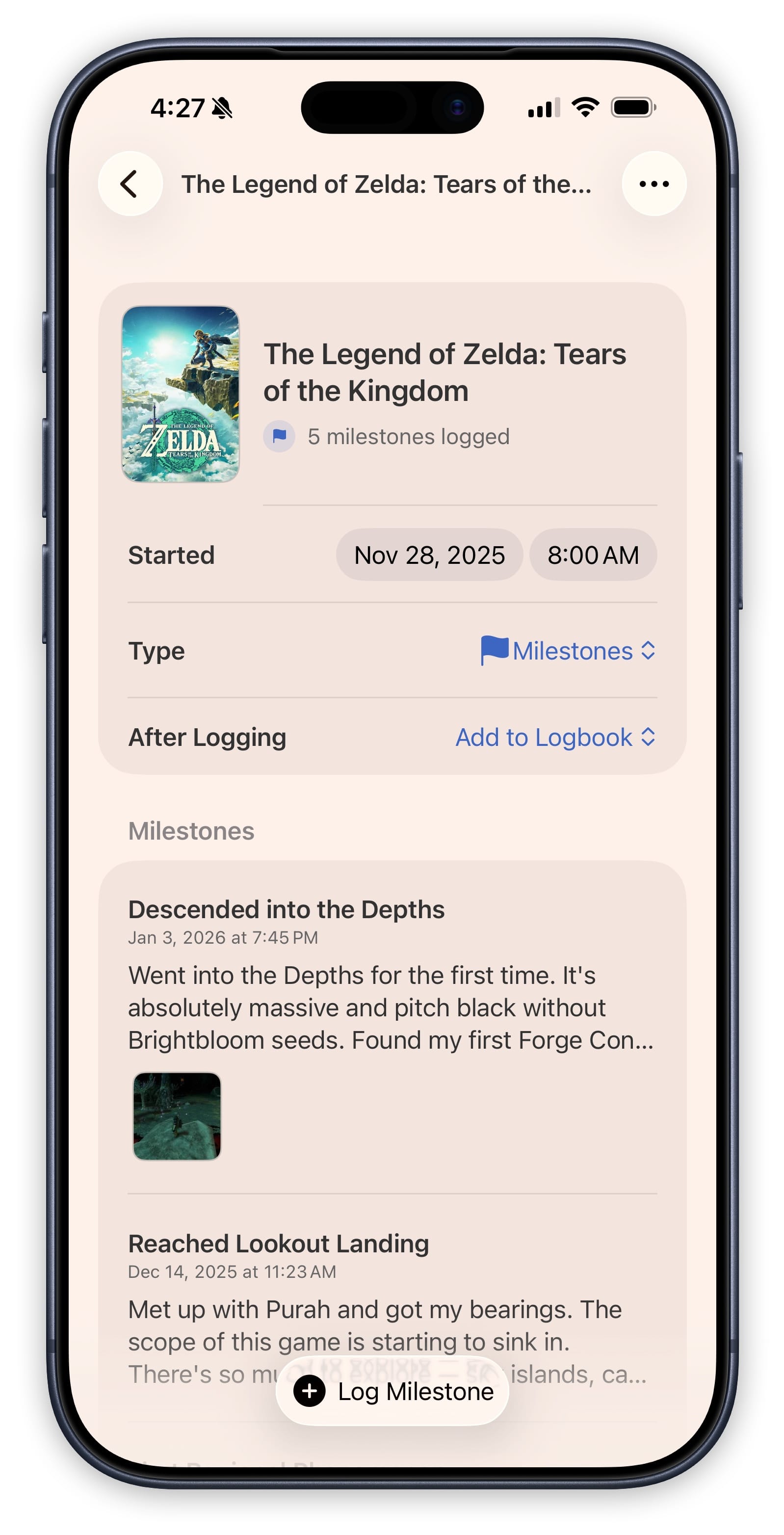
Keep a Journal
Create rich entries with a title, date, notes, and photos. This is ideal when you want to reflect on your experience as you go — write your thoughts after each reading session, or document your playthrough of a game.
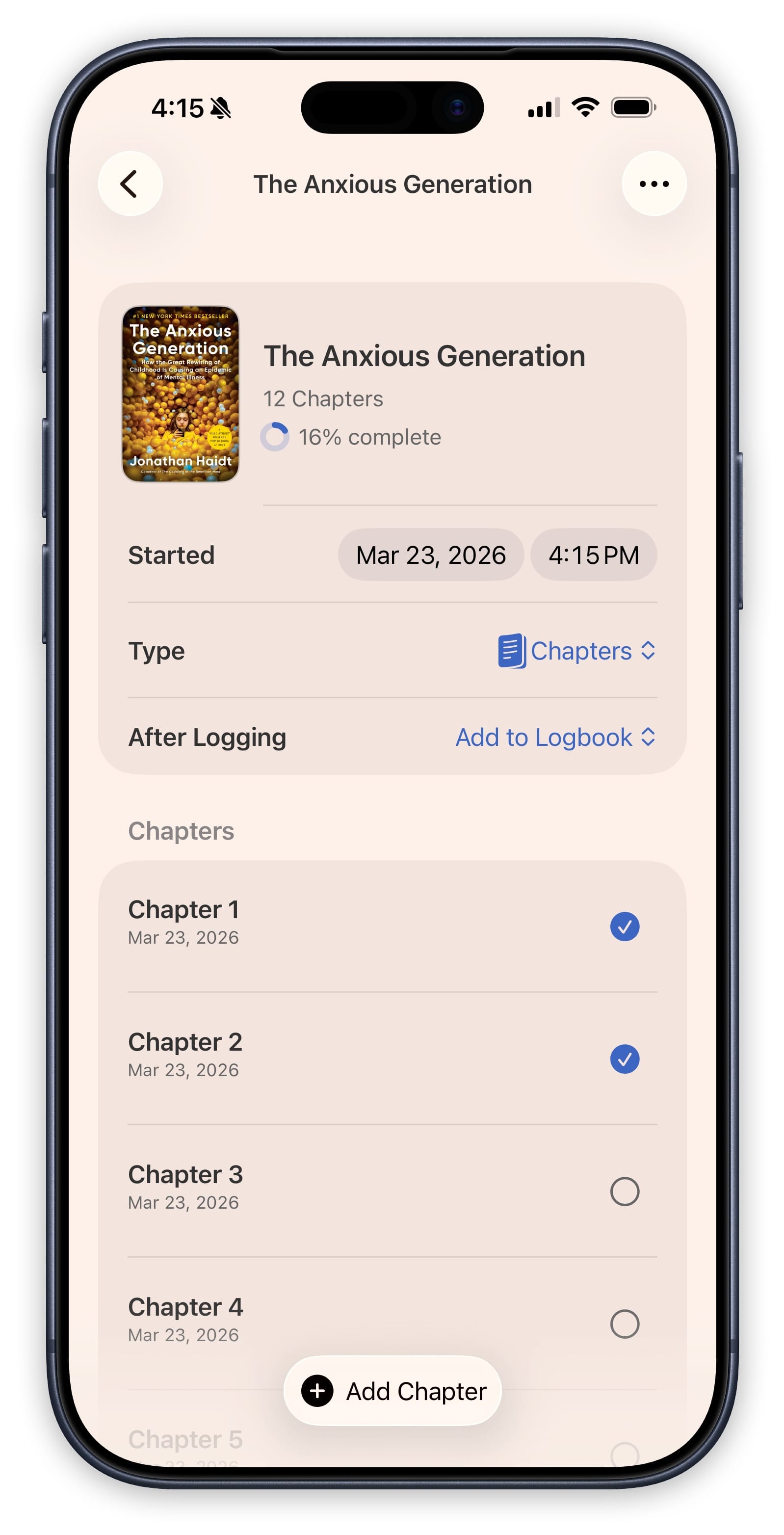
Check Things Off
Create a list of checkpoints or milestones and check them off as you complete them. This works great for games with defined chapters, books with specific sections, or any item where you want to break the experience into discrete parts.
Choosing a Tracking Mode
When you start tracking an item, Sofa will ask you to choose a tracking mode. You can change the mode later if you decide a different approach works better for you.
To change the tracking mode, open the item’s tracking view and look for the mode option.