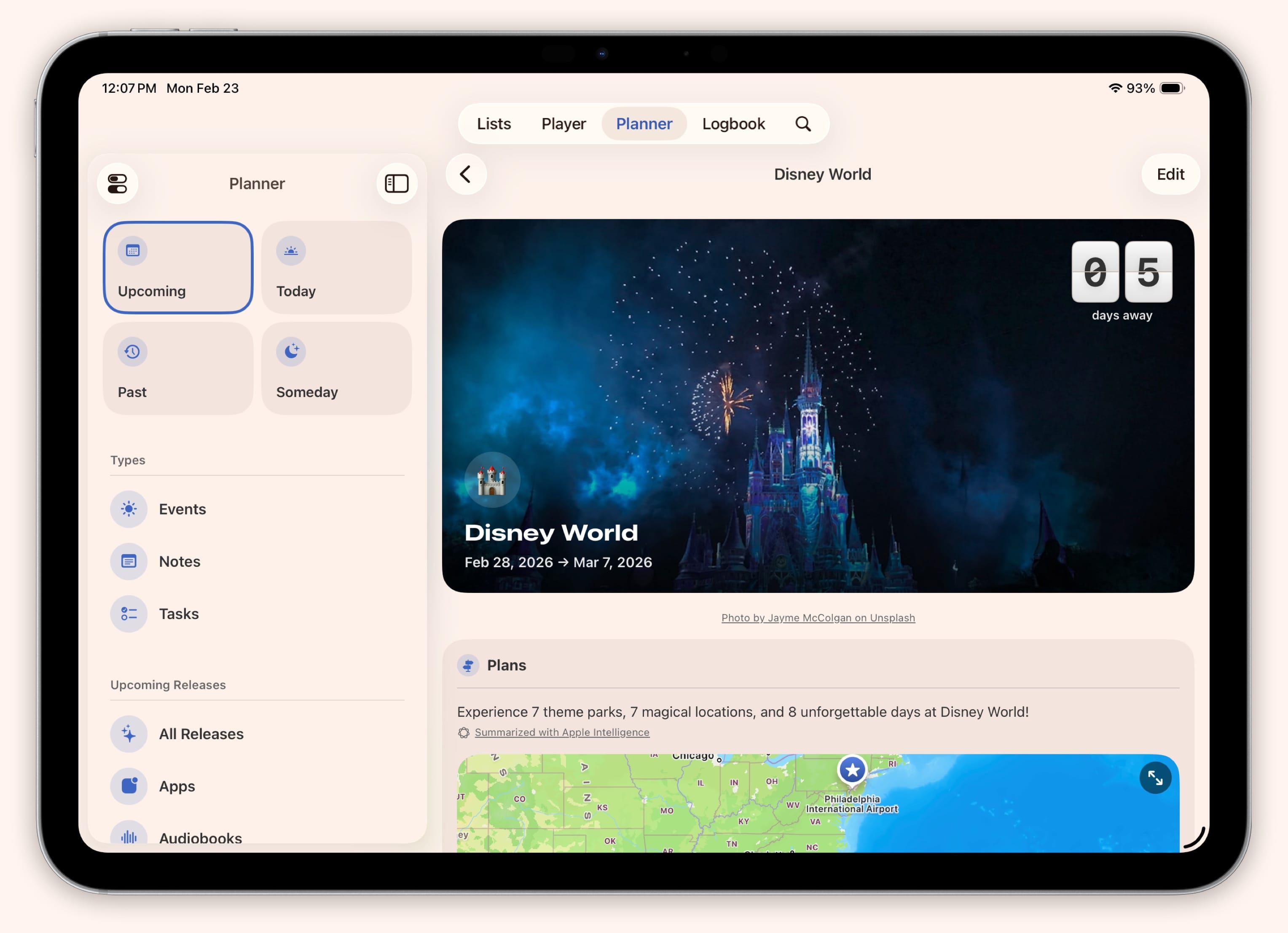
Creating Events
Last Updated:
Super Sofa Feature
Event planning tools (weather, budgets, and attachments) require a Super Sofa subscription.
Events in the Planner are perfect for anything you want to plan around — a vacation, a movie marathon, a concert, or a game release party.
How to Create an Event
- Open the Planner tab
- Tap the + button
- Select “Event”
- Give it a title, choose an emoji icon, and set the dates
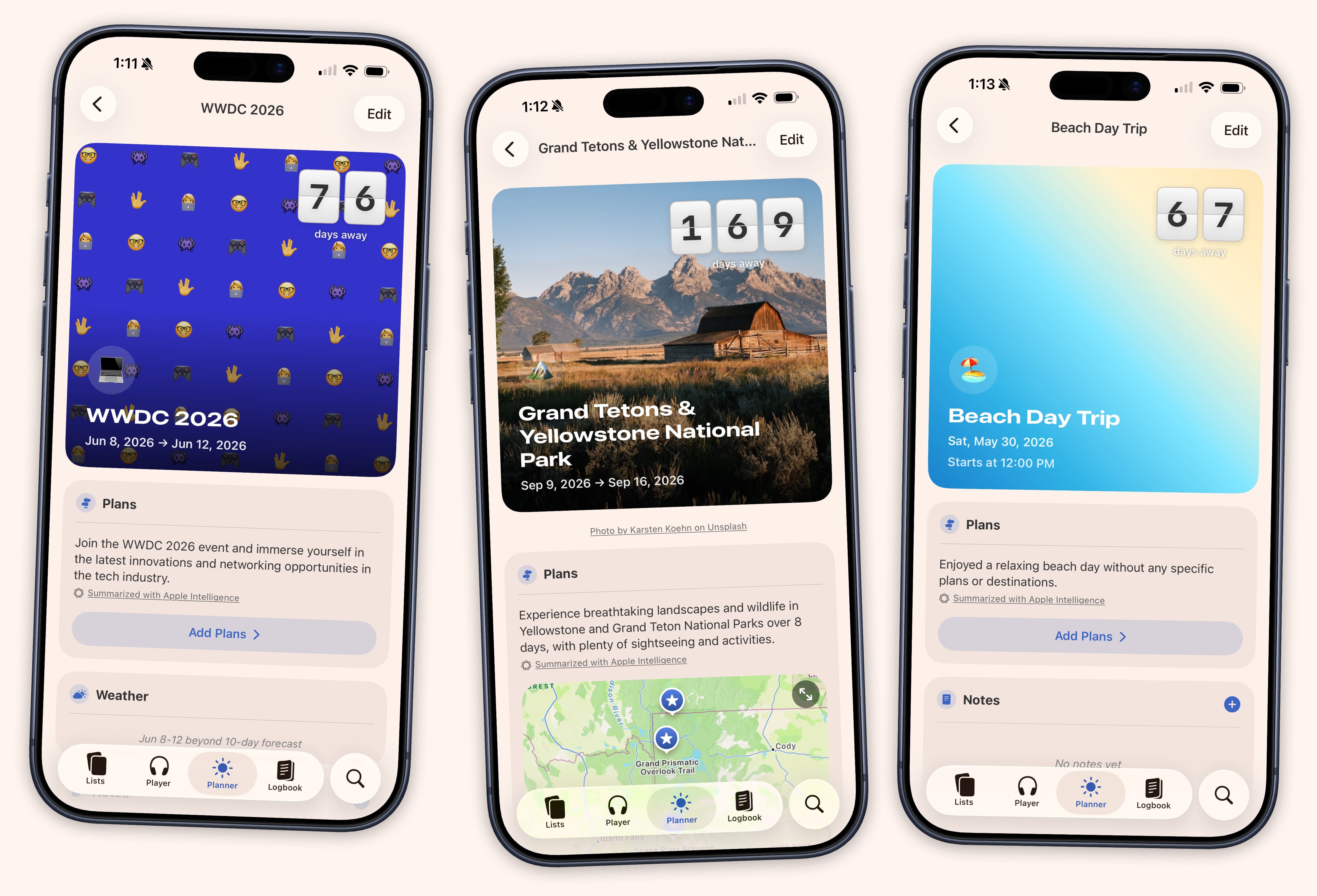
Event Details
Events can include:
- Date range — Single-day or multi-day events
- Location — Add an address for map integration
- Cover image — Choose from your photo library, camera, a URL, Unsplash, gradients, or emoji patterns
- Countdown — A live countdown appears on the event’s cover image, switching to “Tomorrow,” “Today,” and “Now” as the date approaches
What You Can Add to an Event
Once created, an event becomes a container for planning:
- Itineraries — Day-by-day plans with locations and times
- Budgets — Track expenses with multiple budget scenarios
- Tasks — Event-specific to-dos
- Attachments — Confirmation emails, tickets, receipts (up to 50 MB per file)
- Weather — Automatic forecasts for your event’s location and dates